Measure performance. Understand cost. Improve service.
KDesk combines reporting and ticket-linked spend so teams can track workload, speed, and operational cost in one place.
LoginContact Sales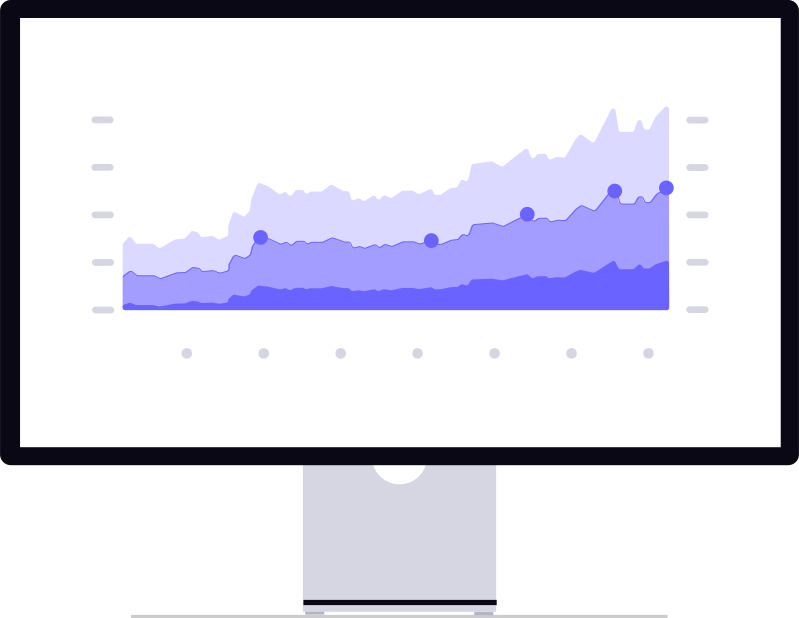
Analytics built for support operations
See trends in ticket volume, activity, and response speed with flexible reporting tools.
Report Builder
Build custom reports around the fields and outcomes your team tracks most.
Templates
Start faster with reusable report templates for common operational views.
Scheduling
Deliver reports automatically on a schedule to keep stakeholders informed.
Exports
Export results in CSV or JSON for external analysis and downstream workflows.

Track speed and performance over time
Use filtering and ticket-speed metrics to identify bottlenecks, compare team performance, and improve service delivery.
- Filter by team, category, status, assignee, and time range.
- Monitor ticket throughput and lifecycle activity.
- Spot workload shifts before they impact response quality.
Cost visibility linked directly to tickets
Go beyond basic ticketing with operational cost awareness tied to real support work.
Reusable cost catalog
Standardize common cost entries and apply them consistently across workflows.
Immutable ticket snapshots
Preserve cost records as historical snapshots for clear operational and billing traceability.
Automation support
Apply cost defaults and repeatable actions to reduce manual effort and improve consistency.
Optional portal visibility
Share cost details in the customer portal when your team wants transparent charge visibility.
From ticket performance to cost control
KDesk helps teams report clearly, optimize workflow speed, and manage ticket-linked spend from one operational workspace.